Create a TRE
Prerequisites
- Ensure the Submission Layer has been configured with a Keycloak realm administrator by following the Add Realm Admin guide.
- Create a TRE administrator user with the
dare-tre-adminrole following the Add a New User to KeyCloak guide.
Submission Layer Setup
Create a TRE
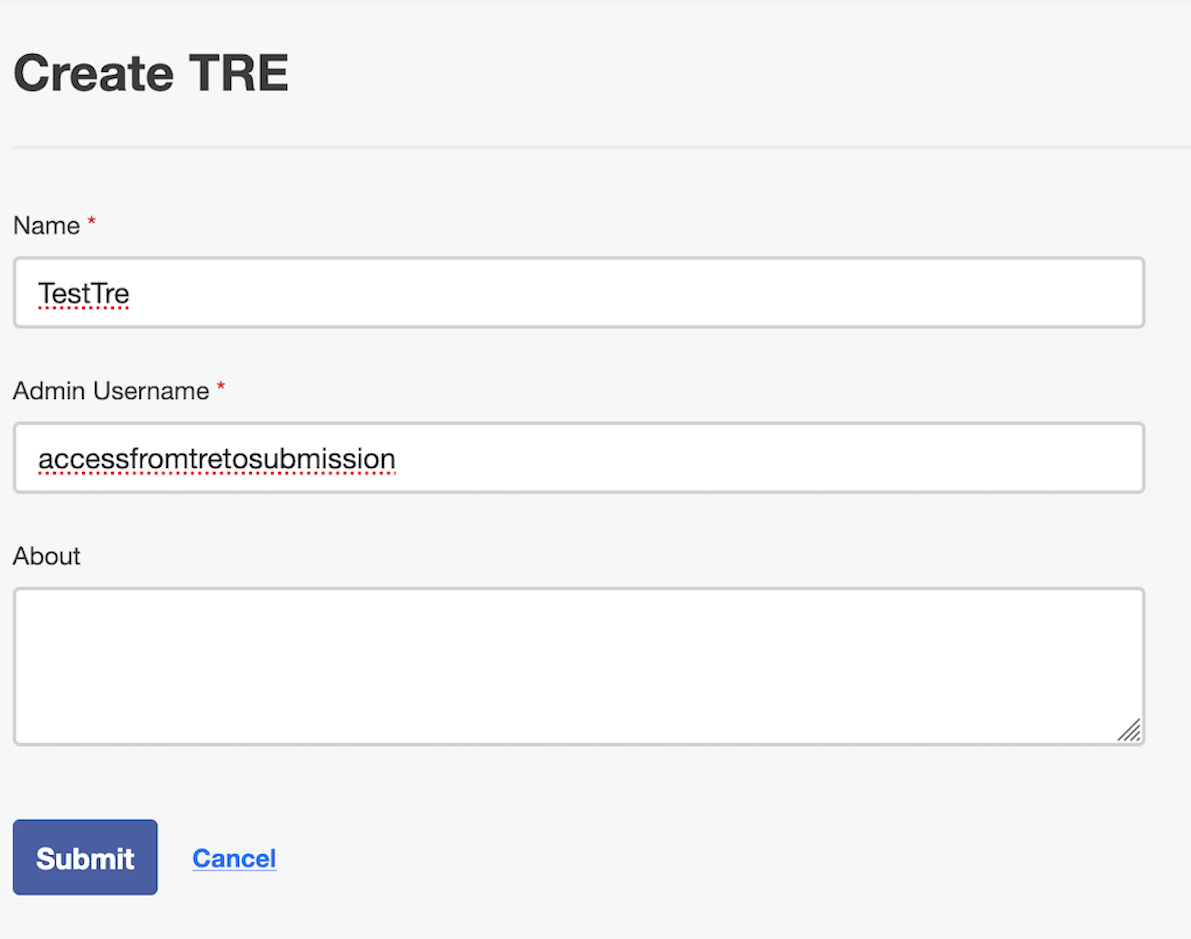
- In the Submission Layer navigate to TRE → Create new TRE.
- Enter the name of the TRE.
- Enter the username of the TRE administrator created in Keycloak with the
dare-tre-adminrole. - Select Submit.
During creation, the Submission Layer automatically:
- Creates a dedicated Keycloak client for the TRE.
- Enables a service account for the client.
- Assigns the
dare-tre-adminrole to the service account. - Stores the generated credentials securely in Vault.
Pass the TRE credentials to the TRE administrator
In order for them to sign in to the Submission Layer and download the TRE onboarding configuration.
Create a Project
Create a project, assign the TRE and users by following the Project Setup guide.